Share it & collect submissions
One link. No account needed to start, no login wall in the middle.
On the Forms page press “Copy public link”, and paste it wherever your speakers are.

“View” opens the exact page a speaker sees. Use it to proof-read. The link is printed on the card so you can read it before you send it:
/submit/{workspace}/{event}/{form}. It never changes unless you rename the form, so it is safe on a poster.This is what they get: a five-step form — Welcome, Account, Submission, Participants, Review.
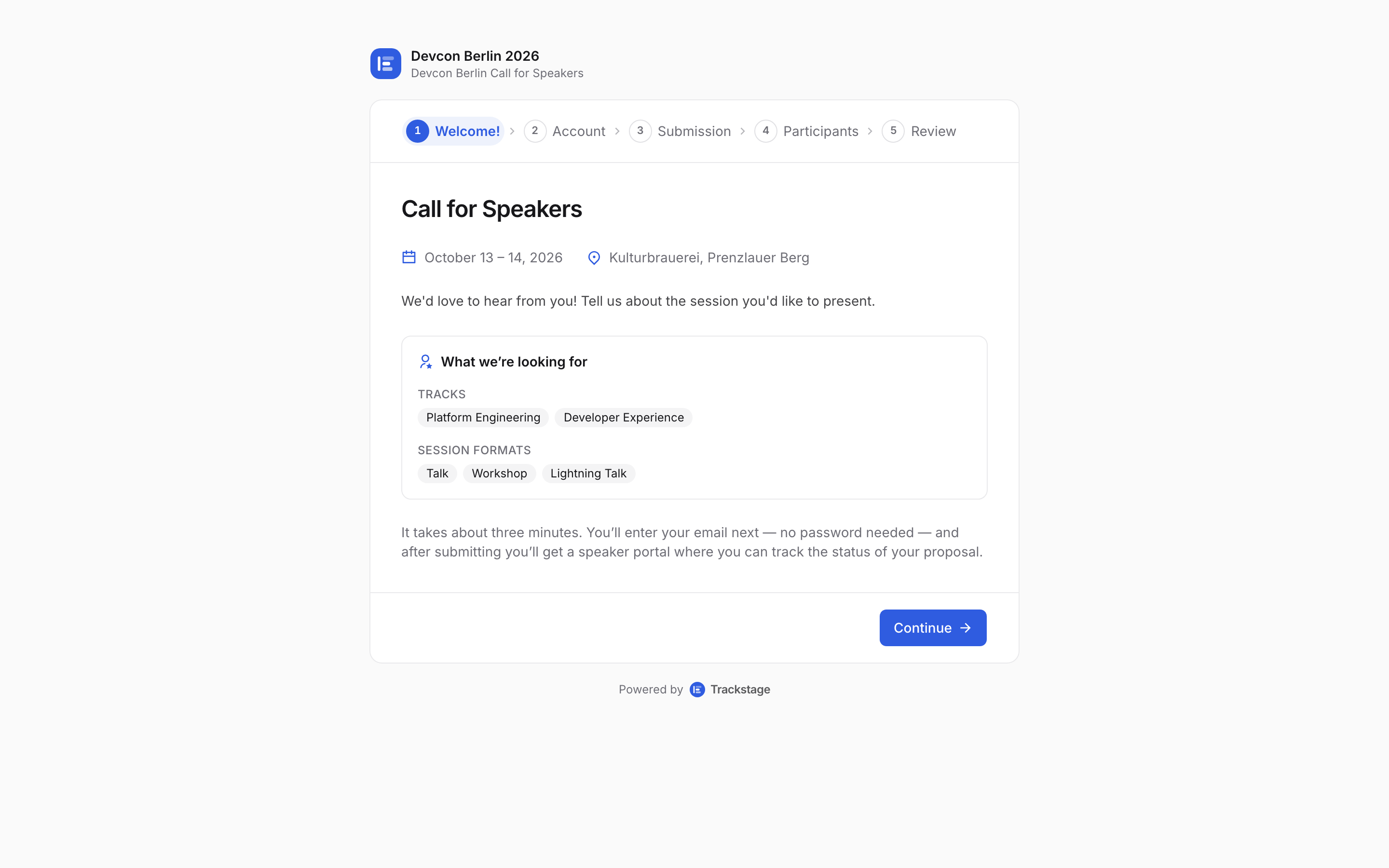
Your event's name, dates and venue at the top; the step tracker down the side stays visible the whole way through. They give an email to identify themselves. That is the whole account step — no password to invent.
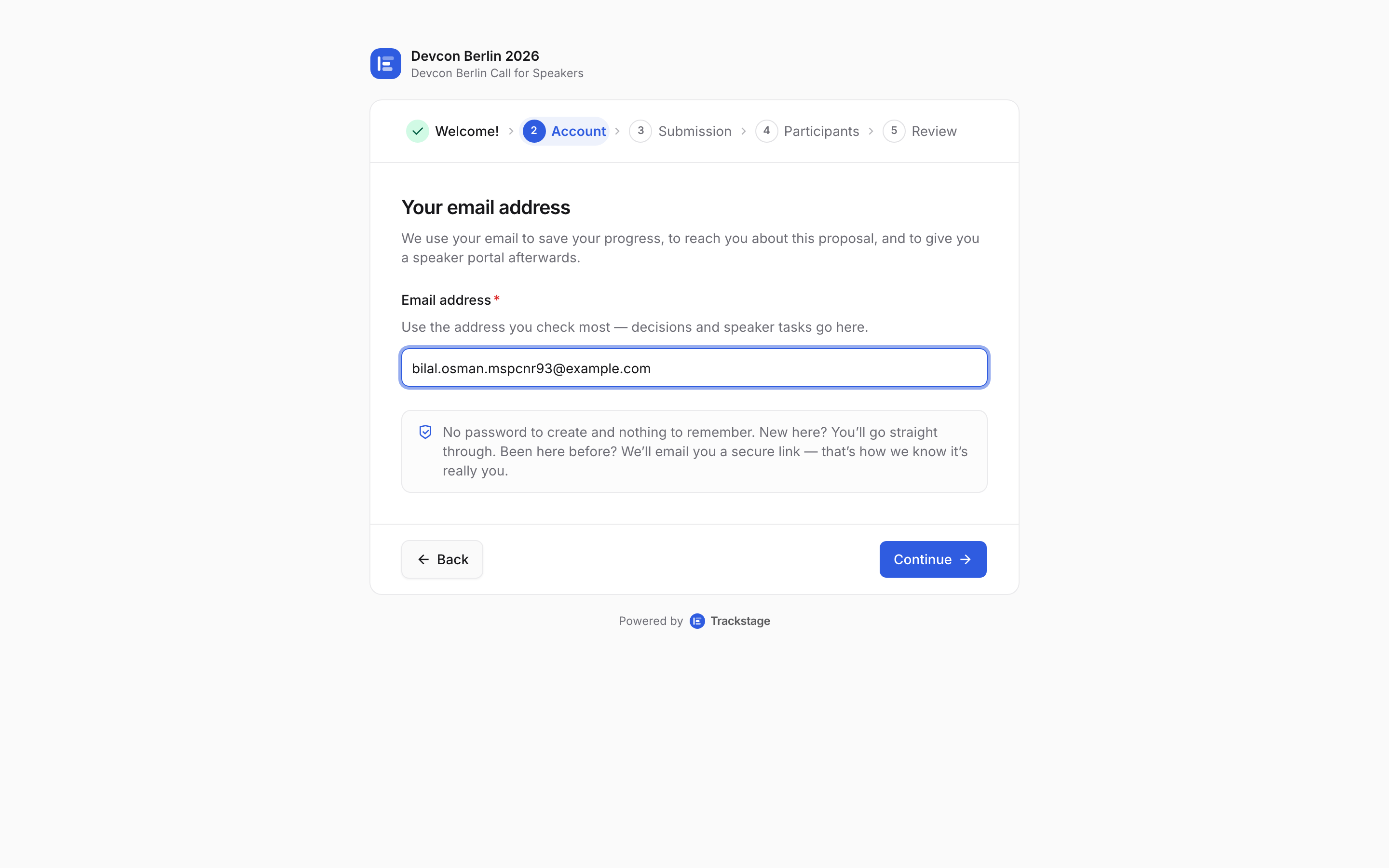
Everything they type from here on is saved against that address as a draft. If that address has already been used for your event, we email them a secure link instead of letting them straight in.
First time? They go straight through. But once an address has a submission, a draft, a task or a co-speaker credit, anyone who typed it would be looking at somebody else’s proposals — so we send a one-click sign-in link to the address itself and show a “check your email” screen. Opening the link carries on exactly where they were. Still no password, and nothing about the account is shown until the link is opened.
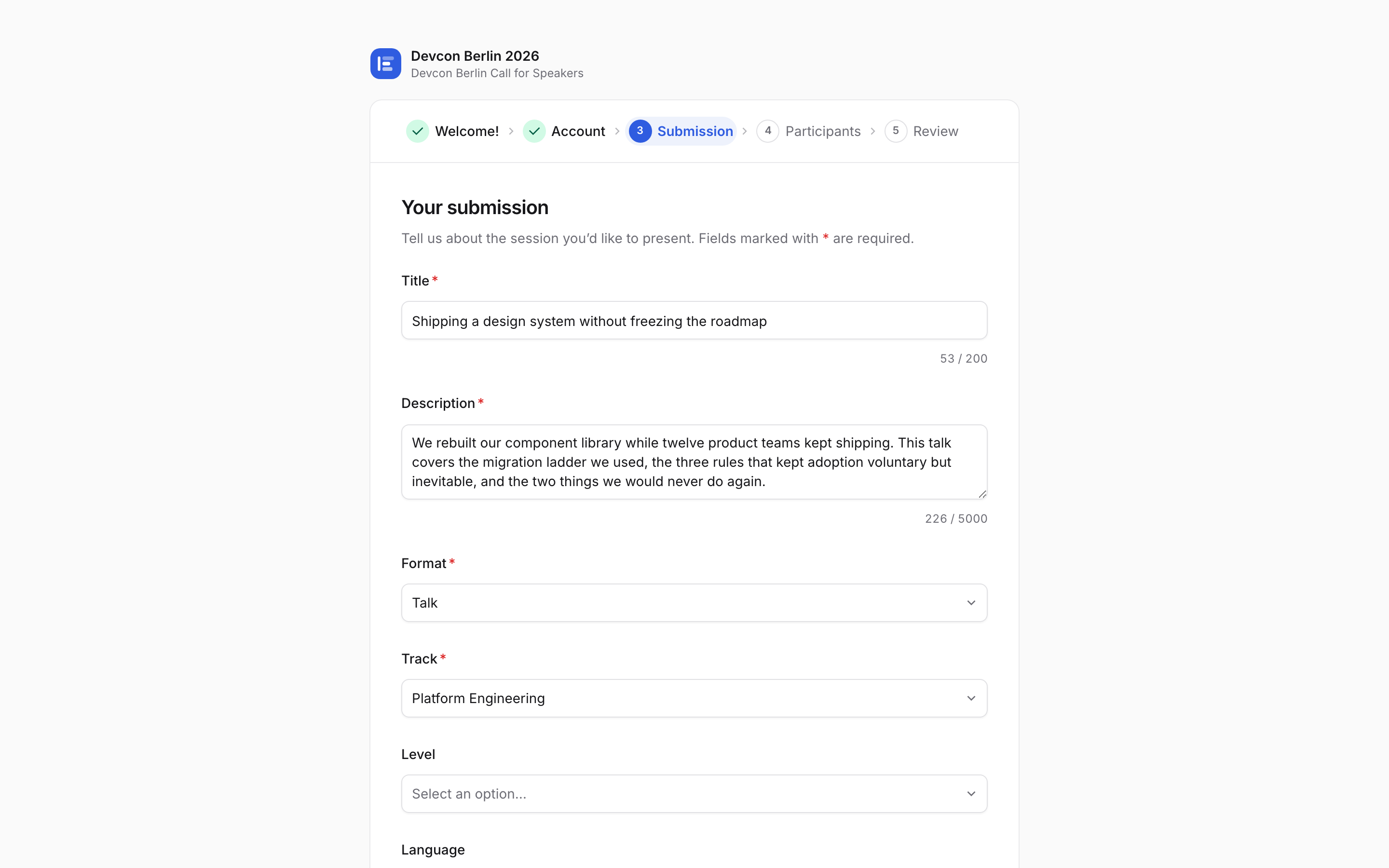
Then the proposal itself: your questions, in your order, with the tracks you set up.
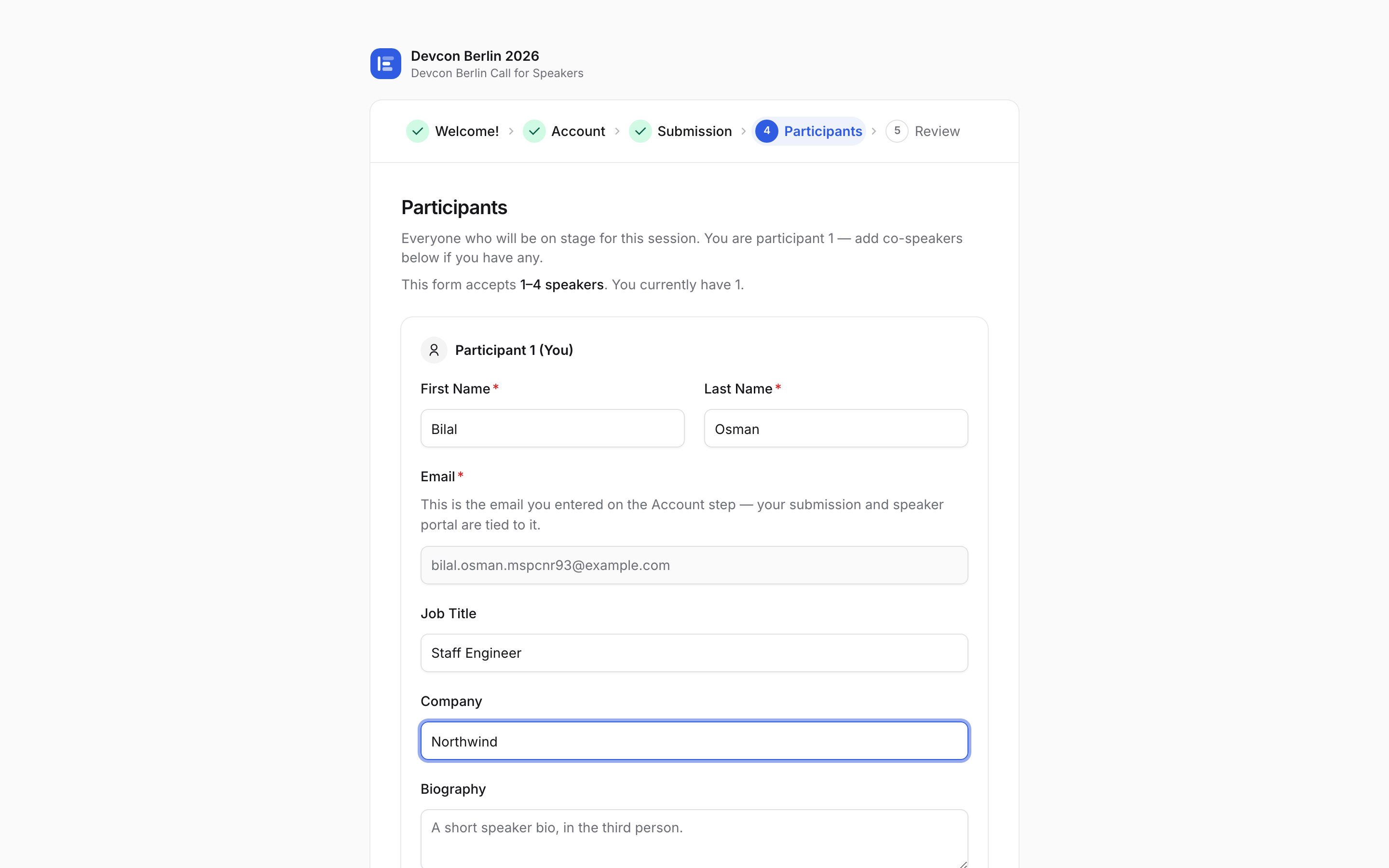
Participants is where they name themselves and add any co-speakers.
Review shows everything back to them in one screen before anything is sent.
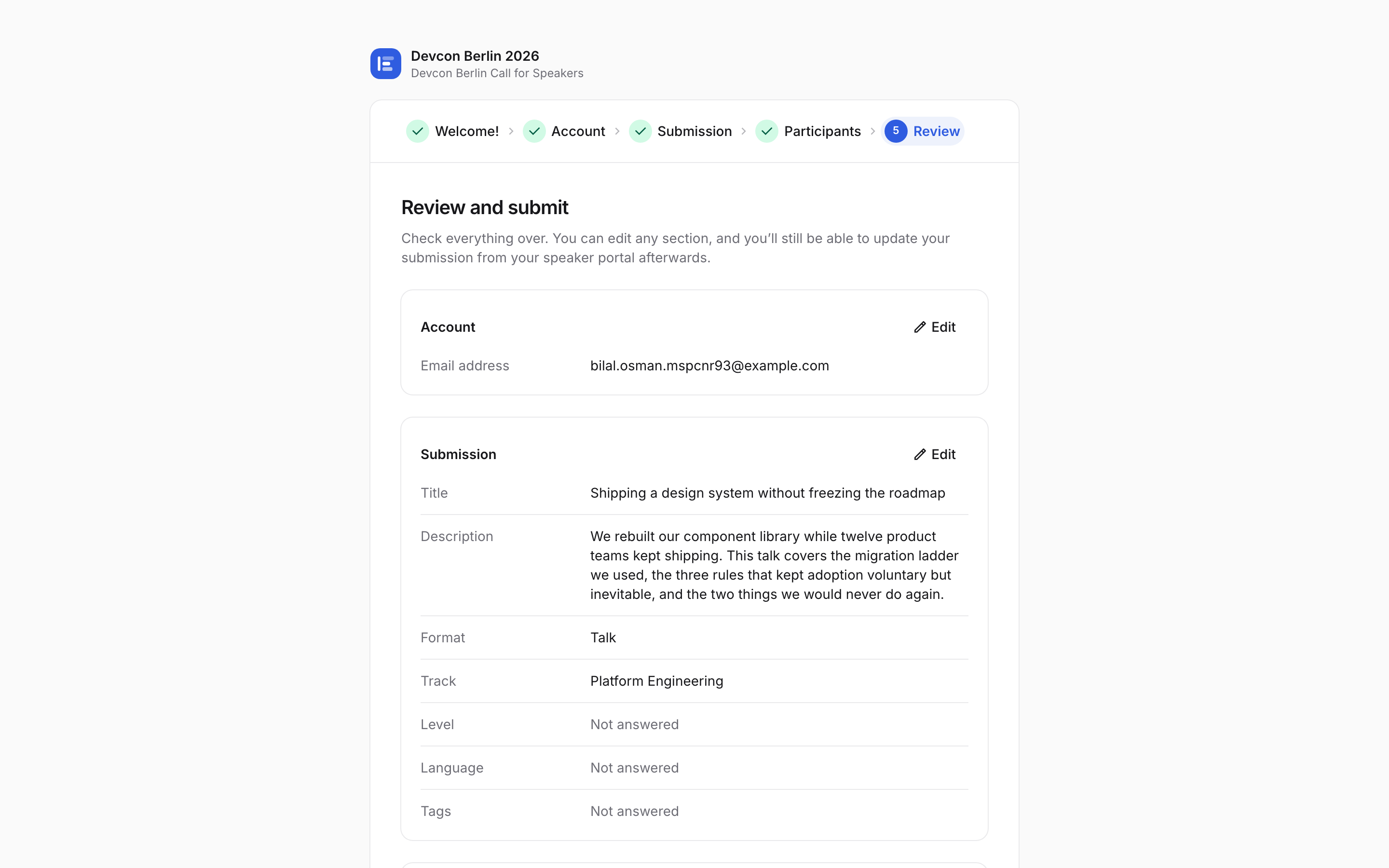
On submit they get a confirmation and a link straight into their speaker portal.
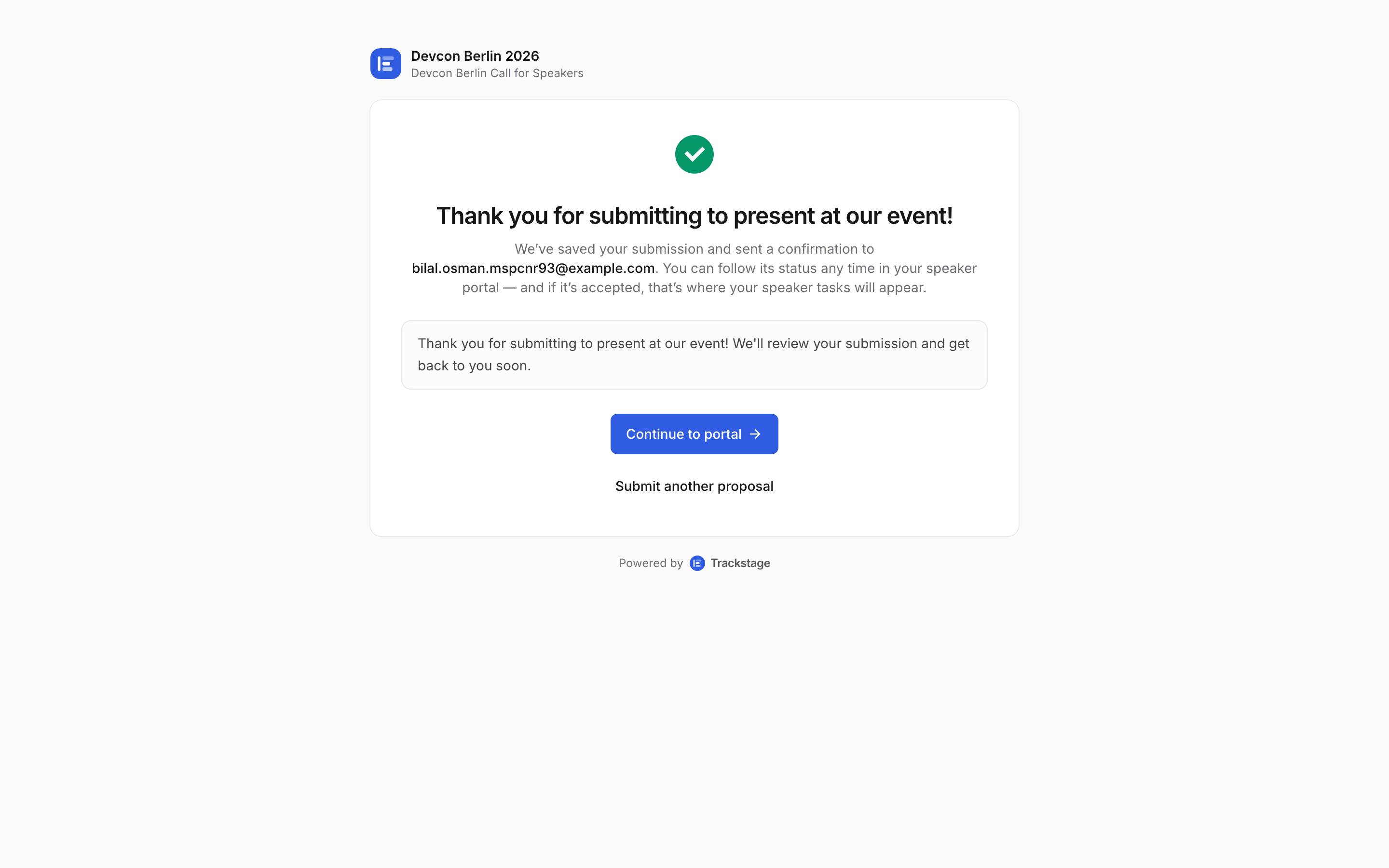
No password, no second sign-up. The link is theirs from now on. Meanwhile, on your side: the proposal is already in Submissions, marked Pending.
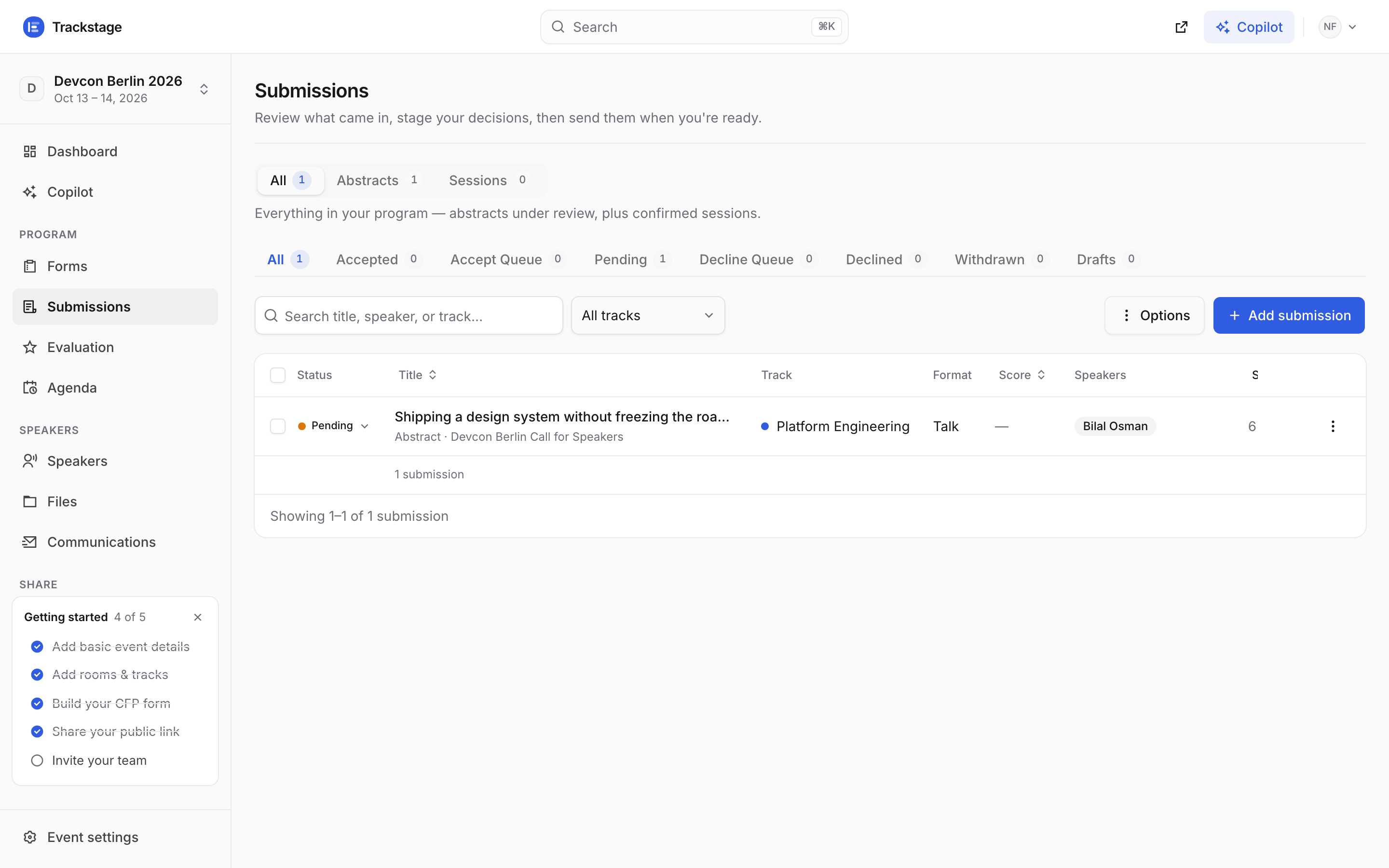
Live — no refresh. It appeared while the speaker was still on the thank-you page.